Creating a campaign with a Fixed APR
Creating a basic campaign on Metrom is straightforward, as covered in creating a campaign. Attaching a Fixed APR keeps the APR shown to LPs stable in USD terms, even as the reward token price moves during the campaign.
Once the Basic details setup has been completed, the rewards definition step becomes available, and here the optional Fixed APR can be configured.
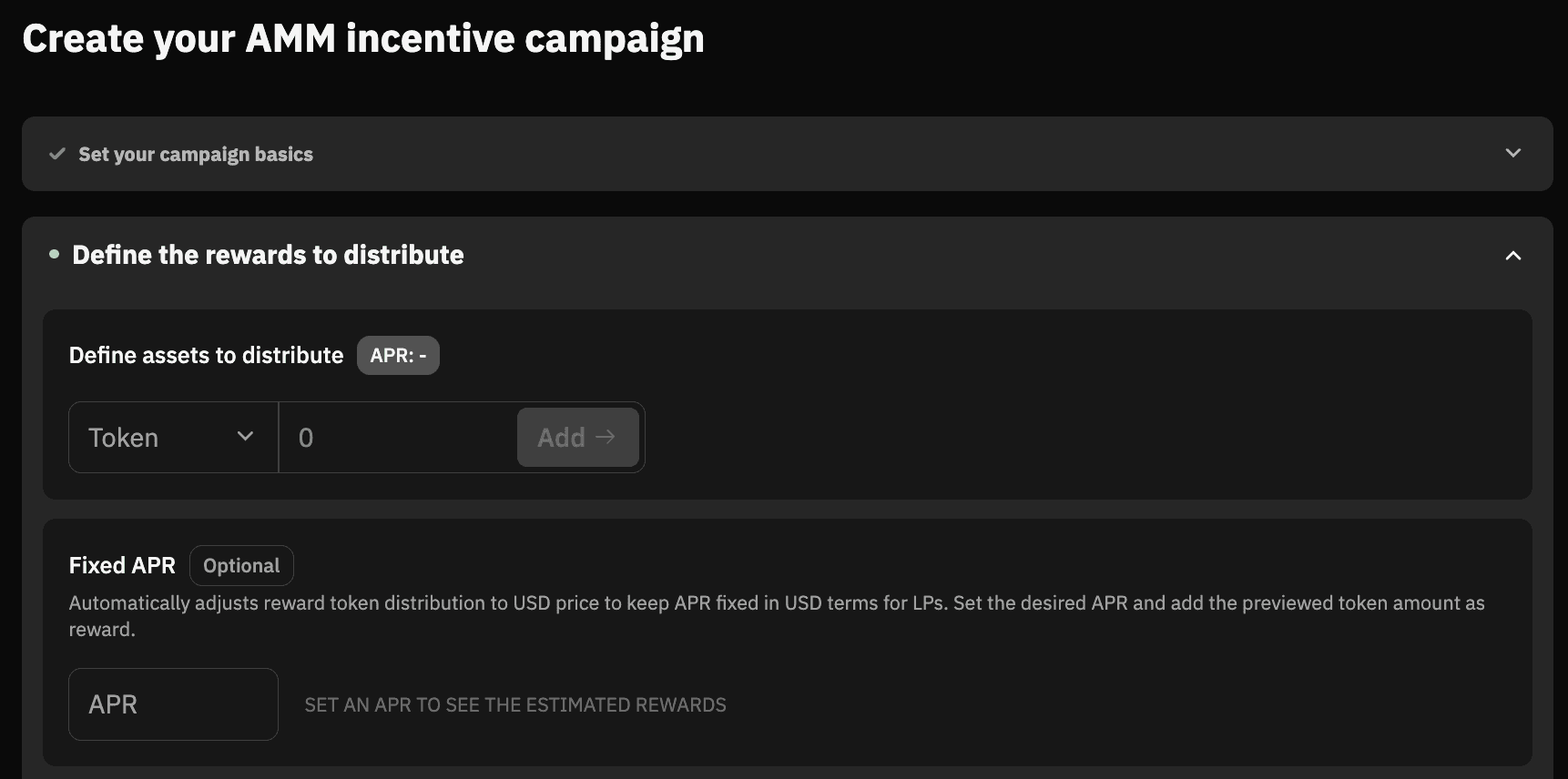
How it works
A standard campaign distributes a fixed token amount, so the USD APR drifts with the reward token price. Fixed APR inverts this: you set a target APR, and Metrom adjusts the token distribution to hold the USD APR steady throughout the campaign.
A buffer (20% by default) is added on top of the calculated budget to absorb price volatility. If the token rallies, the unused portion can be recovered after the campaign ends.
Configuration
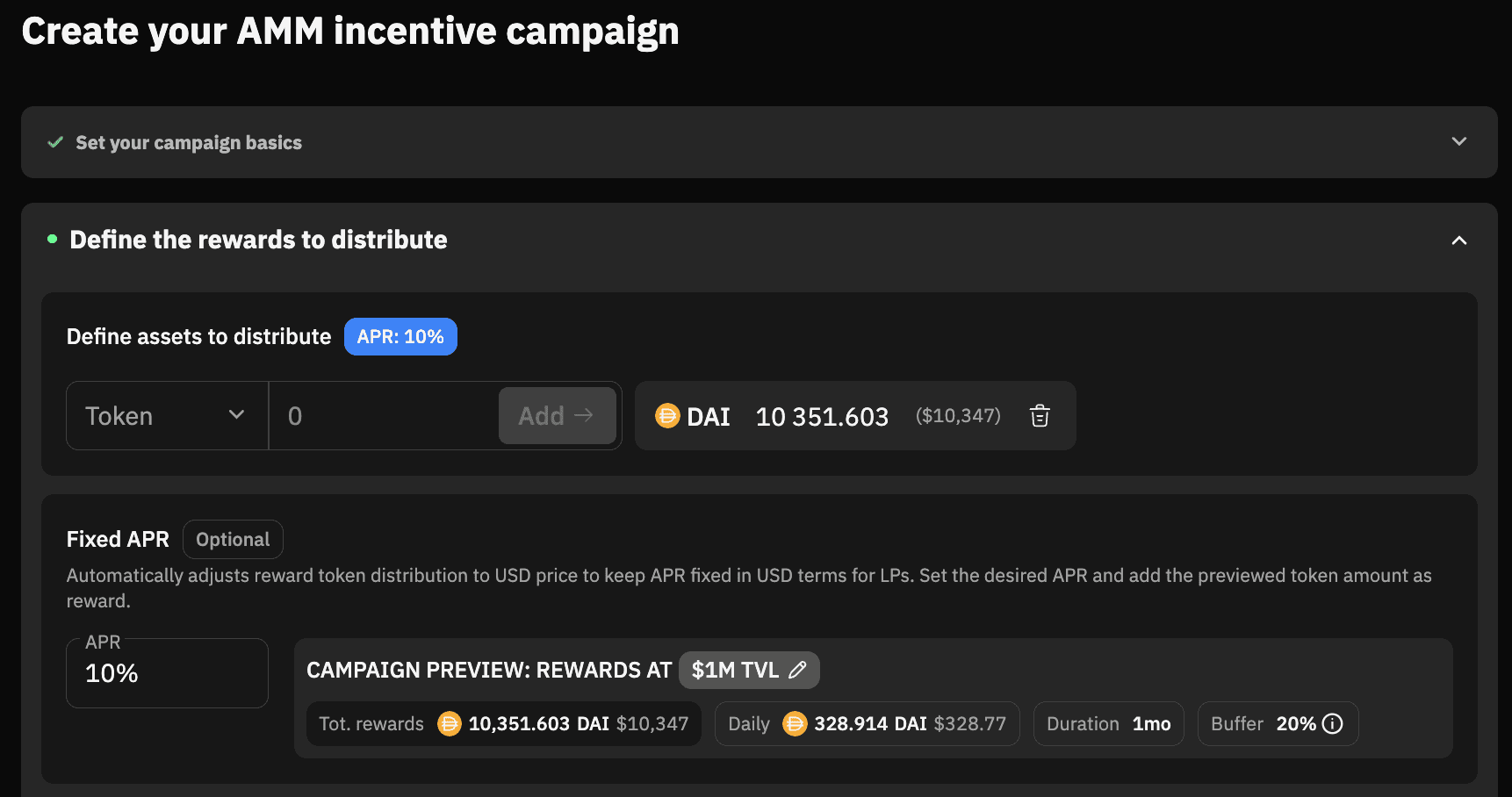
- Set the APR you want in the
APRfield. The campaign preview updates as you type. - Add the reward token under
Define assets to distribute. Pick the token, enter the amount, hit Add.
Rewards at: projects the campaign at a reference TVL (defaults to $1M, editable via the pencil icon):
Tot. rewards: Total tokens needed at the reference TVL.Daily: Daily distribution at the reference TVL.Duration: Pulled from the duration step.Buffer: Extra budget for price volatility. Defaults to20%. The token amount added in step 2 must match or exceed the previewed total.
- Make sure to click on
Nextto save the configuration, and connect your wallet to transfer the reward tokens to launch the campaign.
Compatibility
Fixed APR works alongside Reward Ratio and Range-Based Incentives.
Fixed APR cannot be combined with a KPI.
Note: Both KPI and fixed APR campaigns scale rewards on different axes: KPIs scale emissions against a TVL target, while fixed APR holds USD APR steady regardless of TVL.
Ready to deploy? Head over to the dashboard
Need help? Join the conversation in our Discord or email hello@metrom.xyz.