Restrictions
When creating a campaign on Metrom you can choose to add restrictions, to
either Block any address from receiving rewards, or Allow only
those that should be eligible to receive rewards.
To enable restrictions, expand Define rewards to distribute and navigate to Define who can earn rewards section. Then, select the type of restriction and add addresses
either manually or by importing a CSV file (the CSV must contain a single column listing
the addresses). A maximum of 20 addresses can be blocked or allowed.
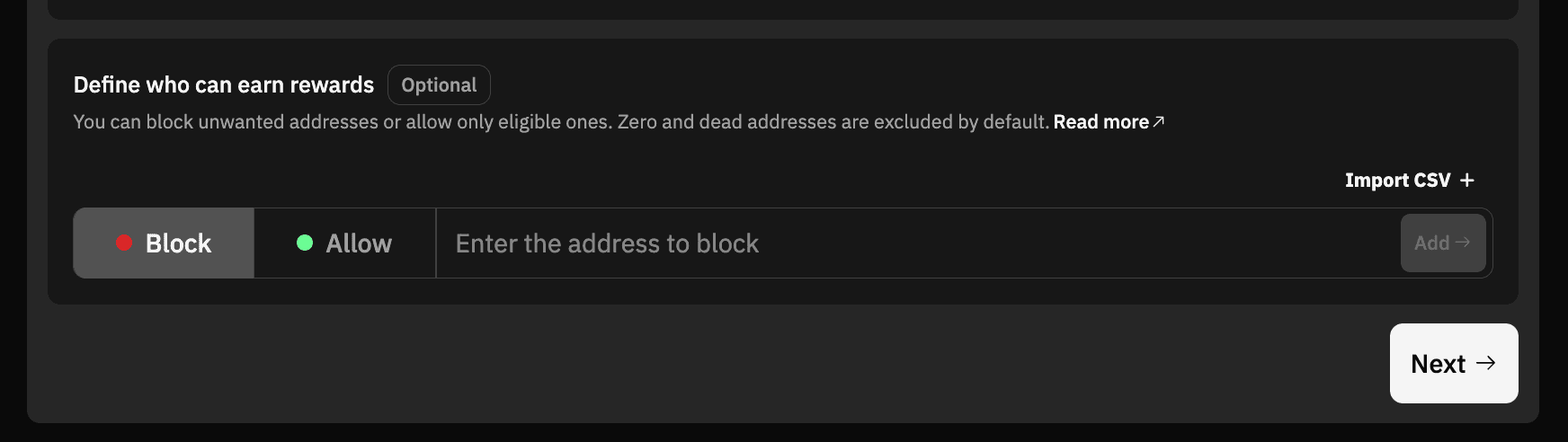
For example, to block addresses from receiving rewards, the configuration will look like this:
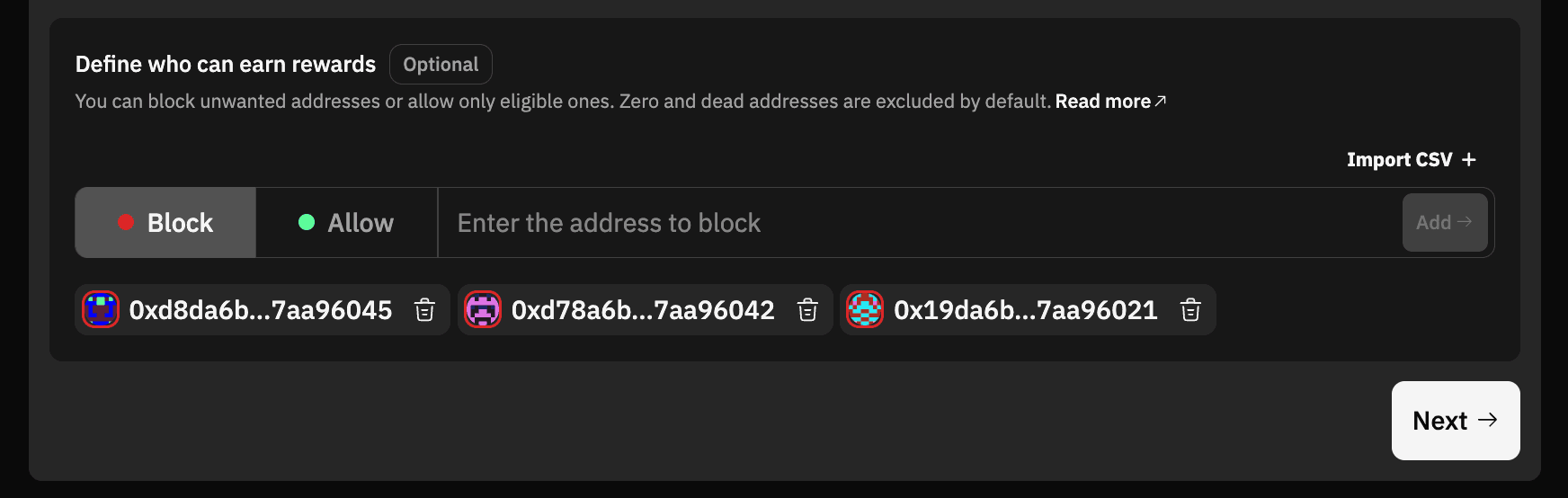
Here’s a quick video about how to Block any address (similar steps
can be taken to Allow any address):
Make sure to click on Next to save the configuration, and connect your wallet to
transfer the reward tokens to launch the campaign.
Ready to deploy? Head over to the dashboard
Need help? Join the conversation in our Discord or email hello@metrom.xyz.